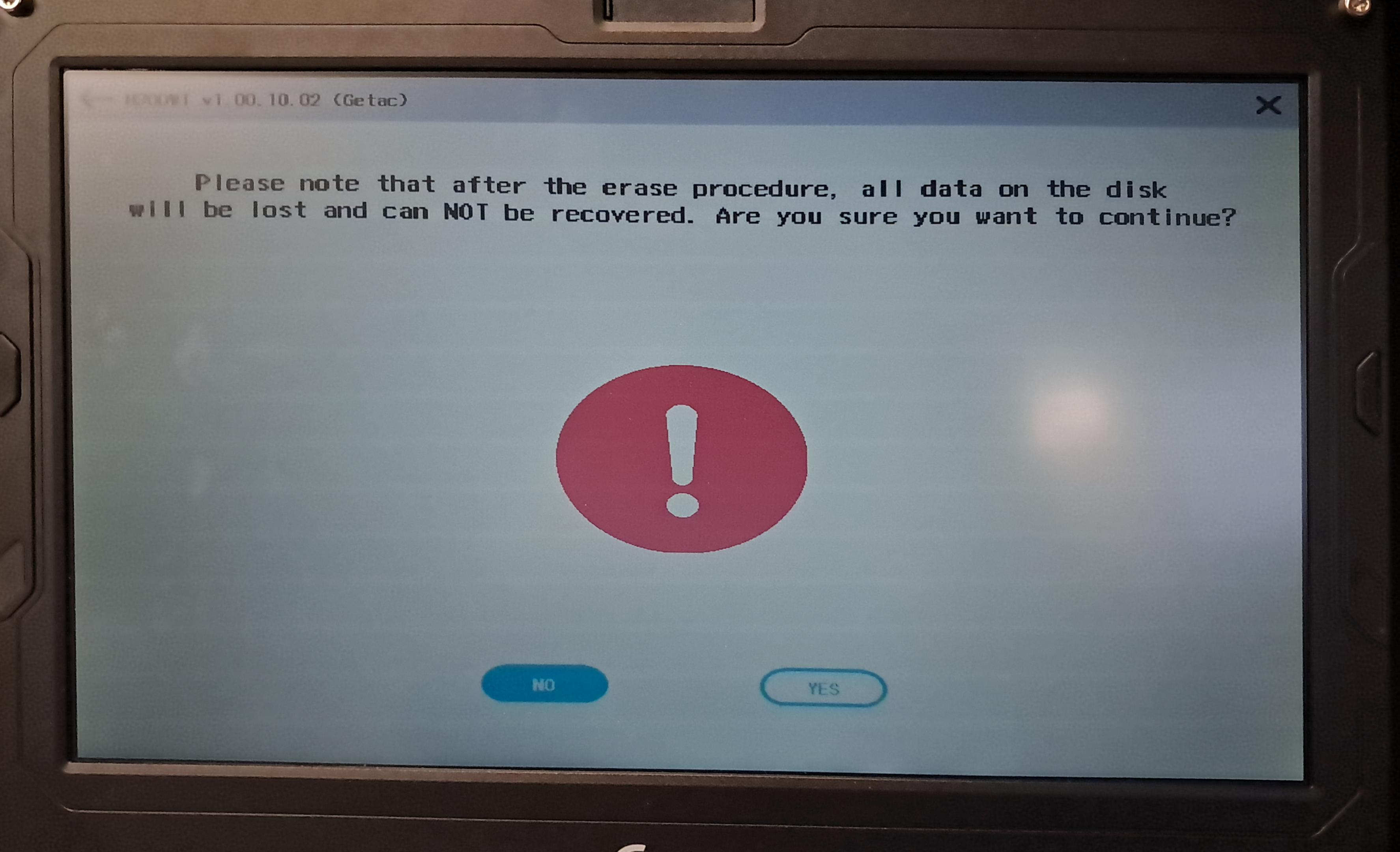
H2ODWT / Disk Wipe / Secure Erase Instructions for Certain Models

Jun 12, 2026
 80
80
If your model has the disk wipe option in bios (including but not limited to B360G3, X600), the drive can be wiped the drive by doing the following (FOLLOWING THESE INSTRUCTIONS WILL RESULT IN THE SELECTED DRIVE AND PARTITIONS BEING WIPED. PLEASE MAKE SURE TO SELECT THE RIGHT DRIVE AND PARTITIONS):
- Go into bios (repeatedly press F2 at boot up).
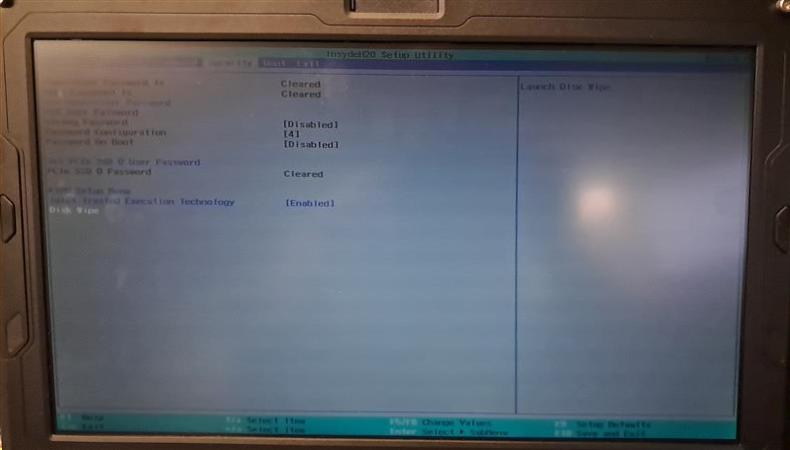
- Navigate to the security tab:
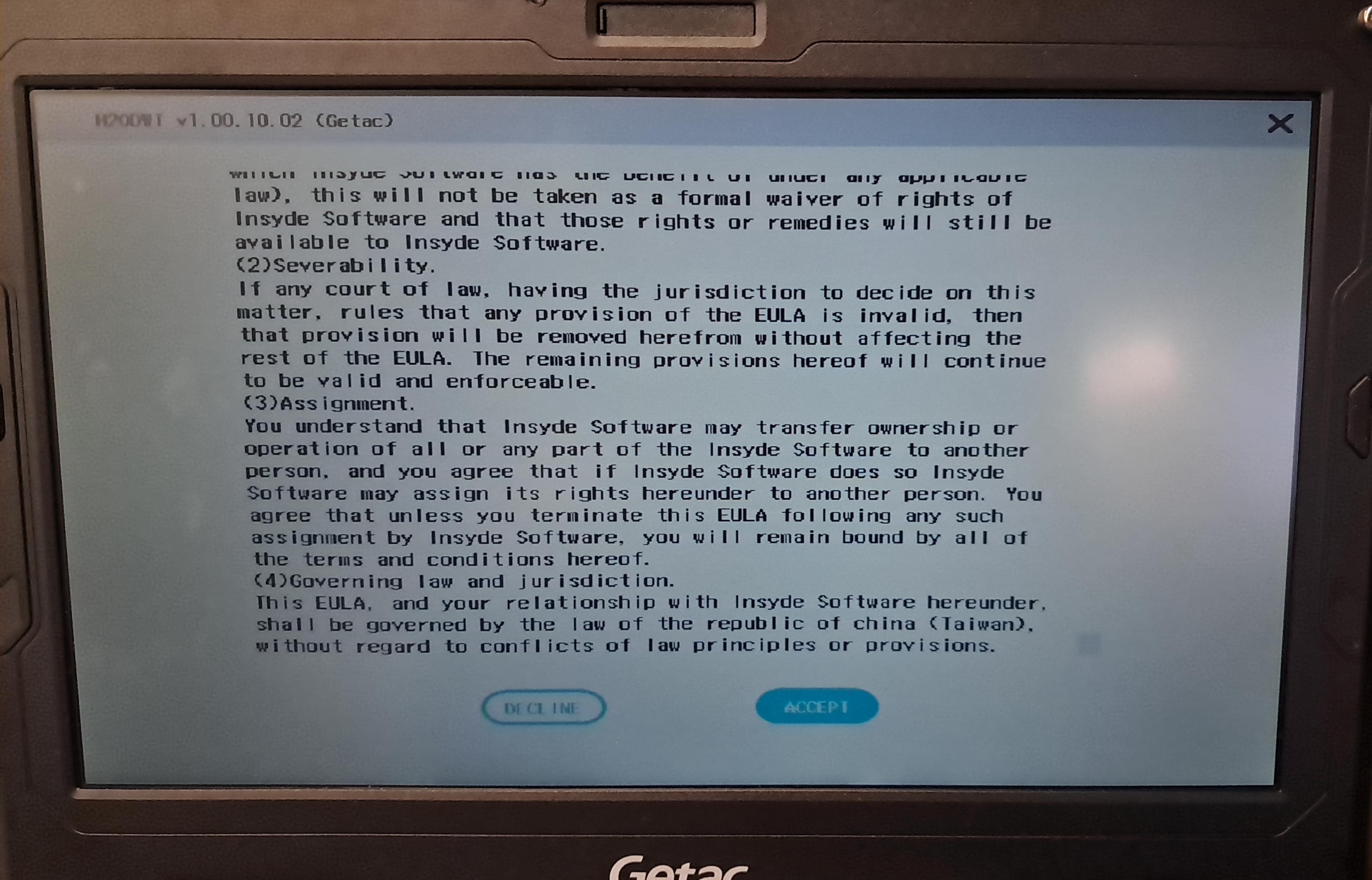
- Press down arrow and to scroll down and read the EULA before pressing the Accept button:
- Select the drive to be used:
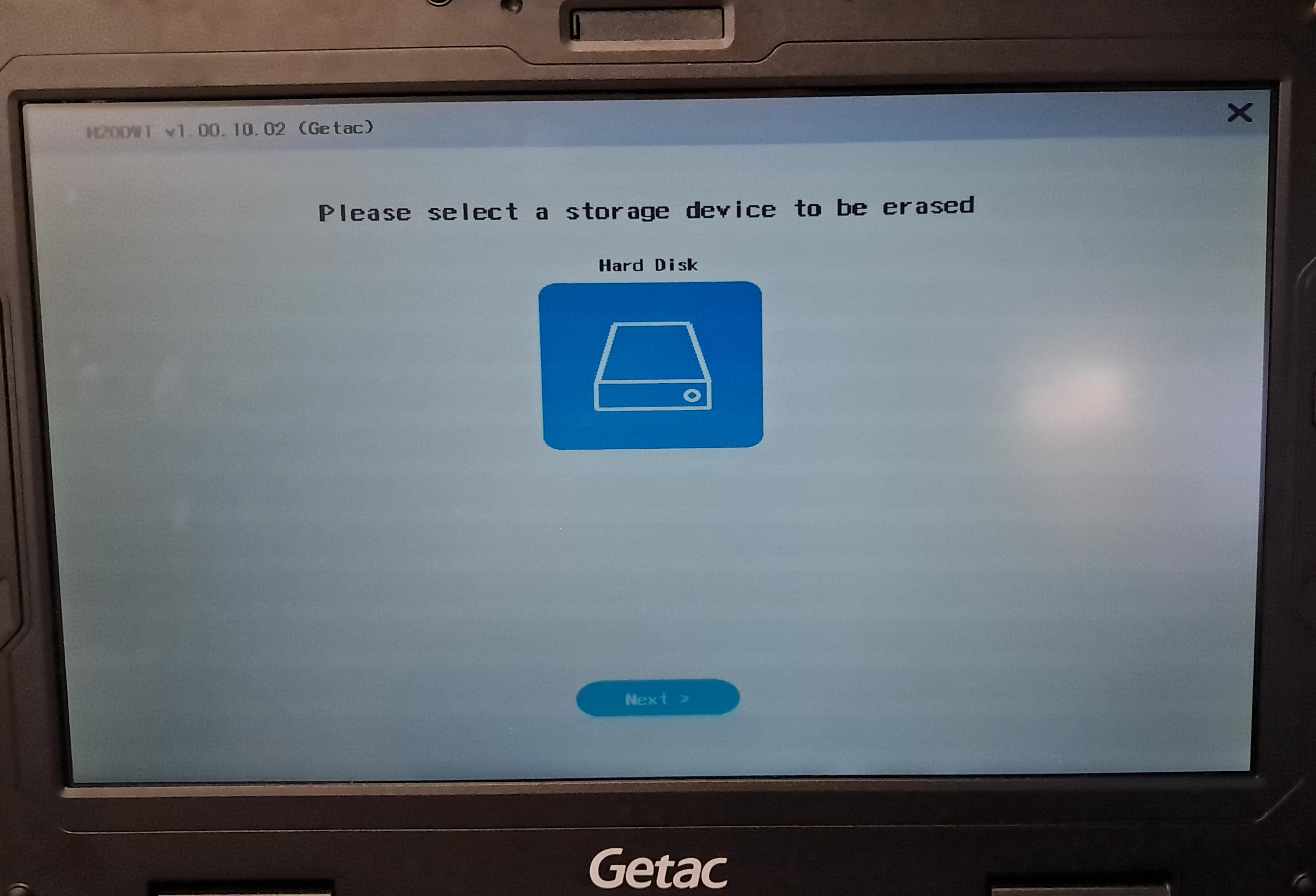
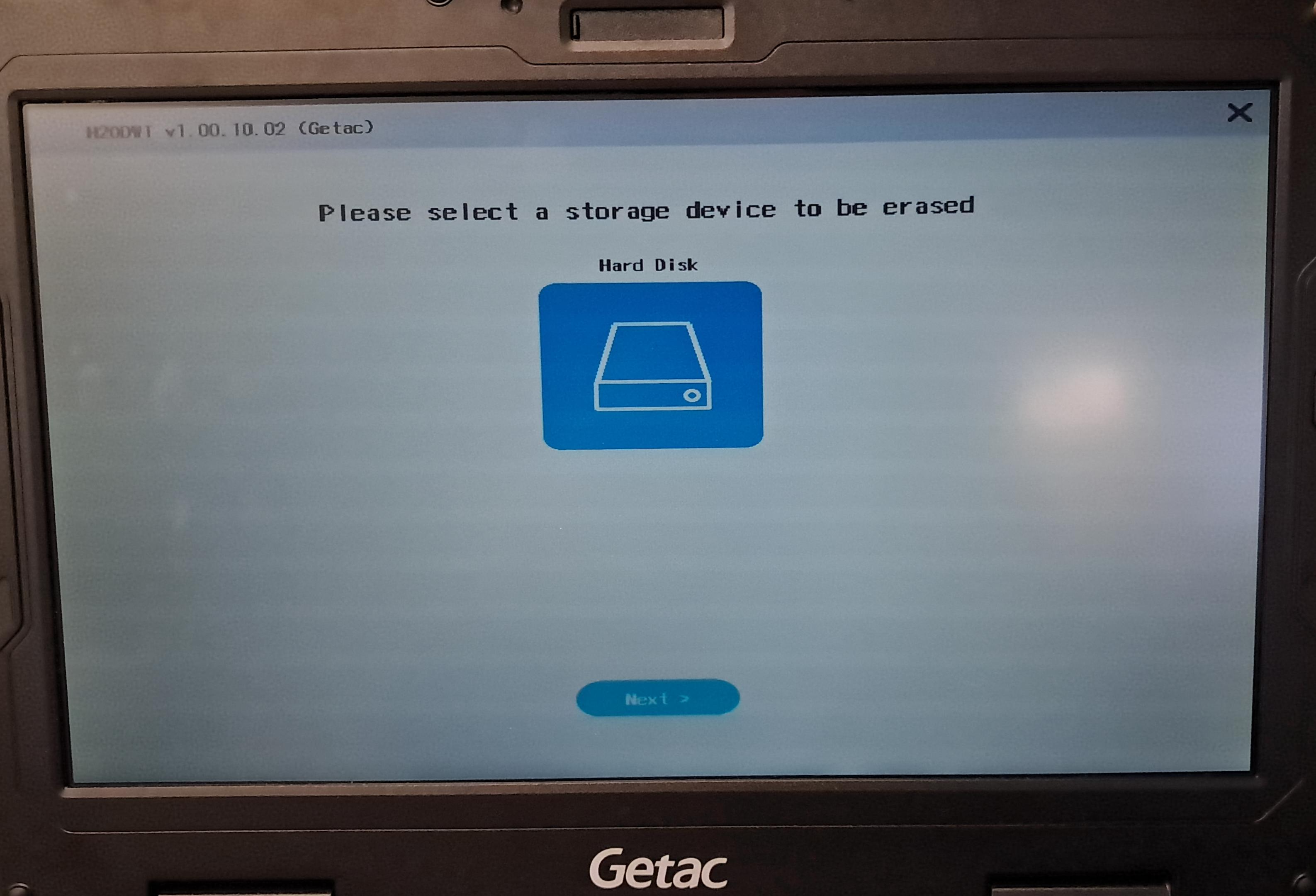
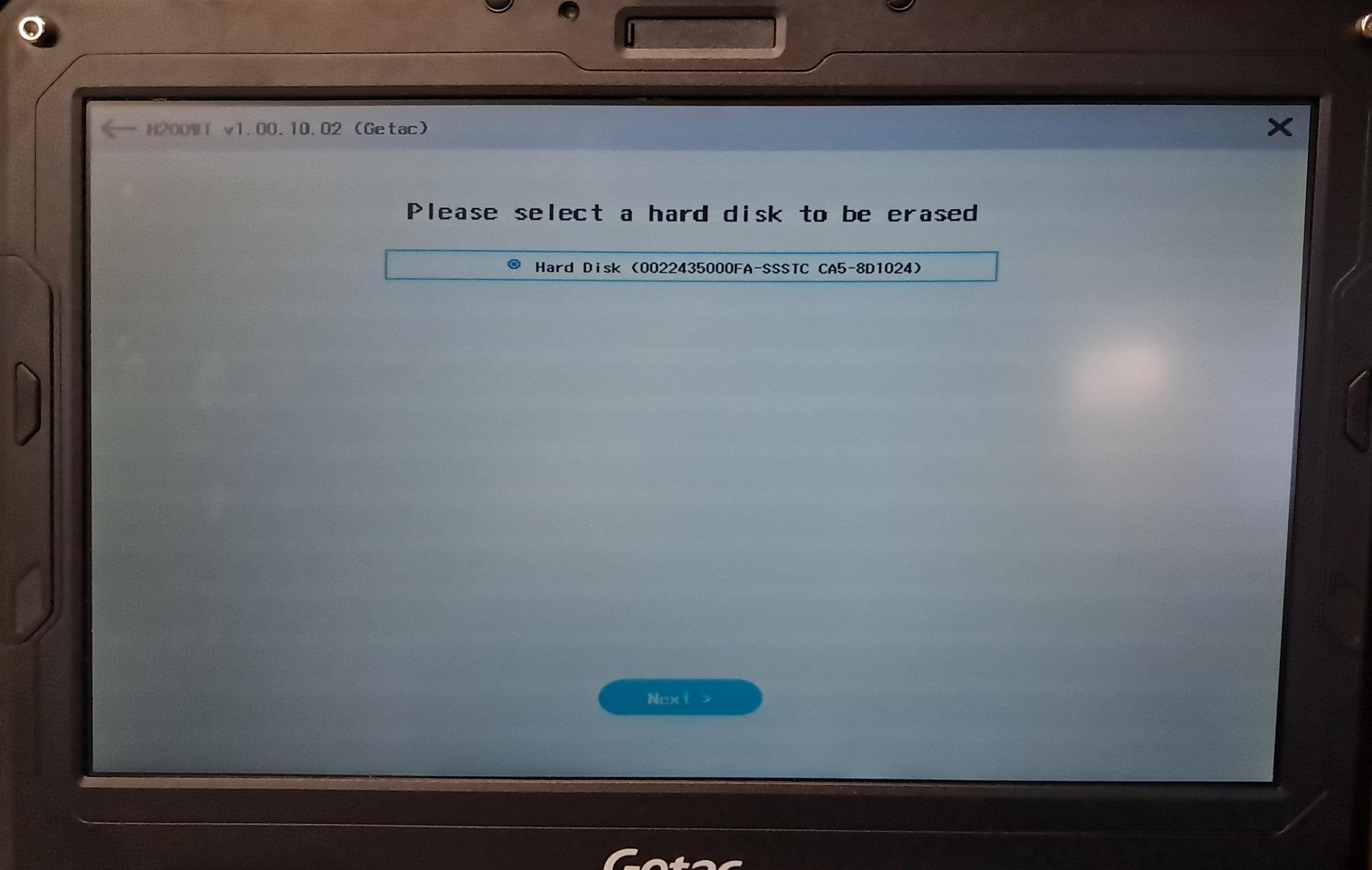
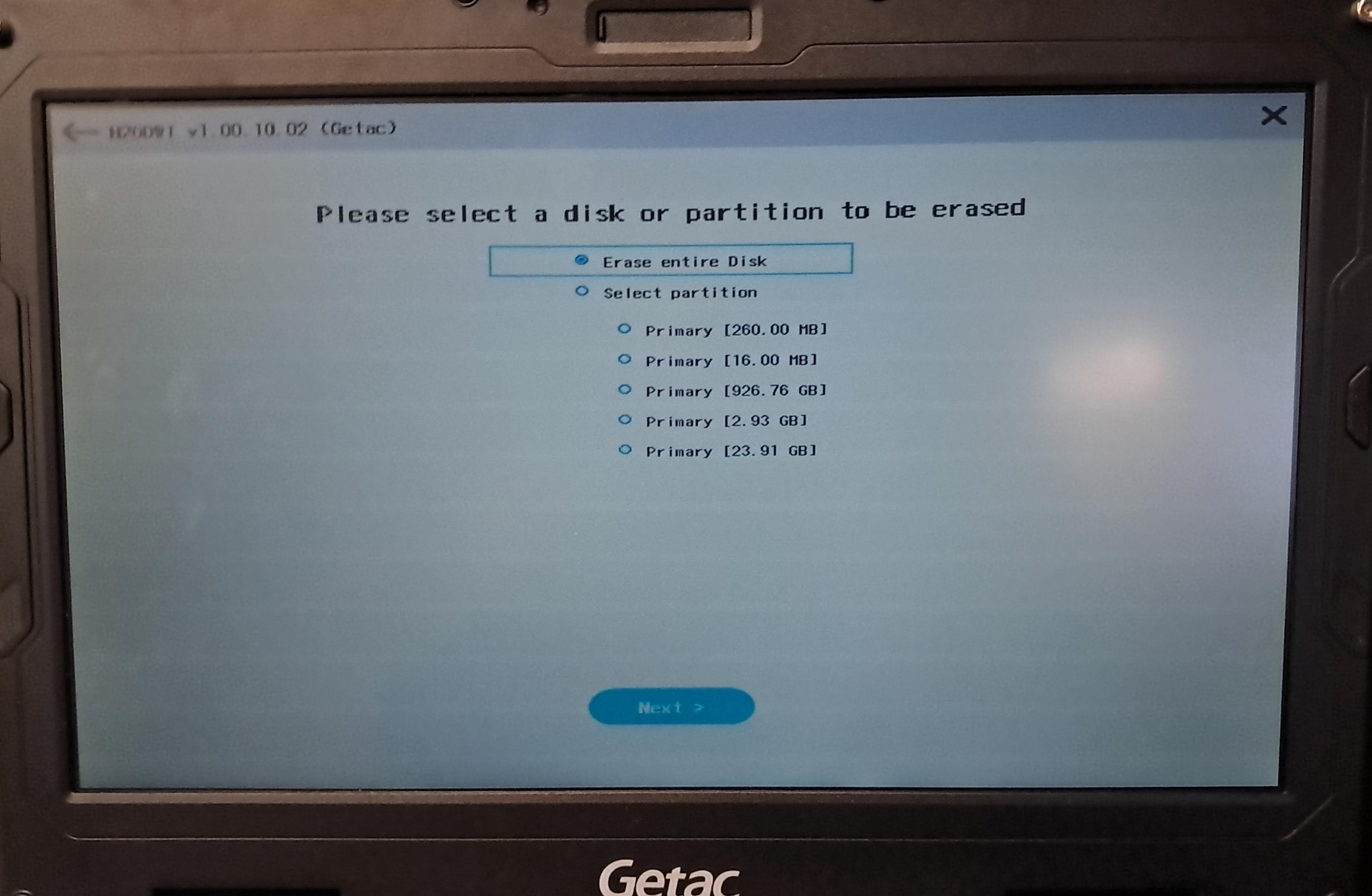
- Select partitions to erase:
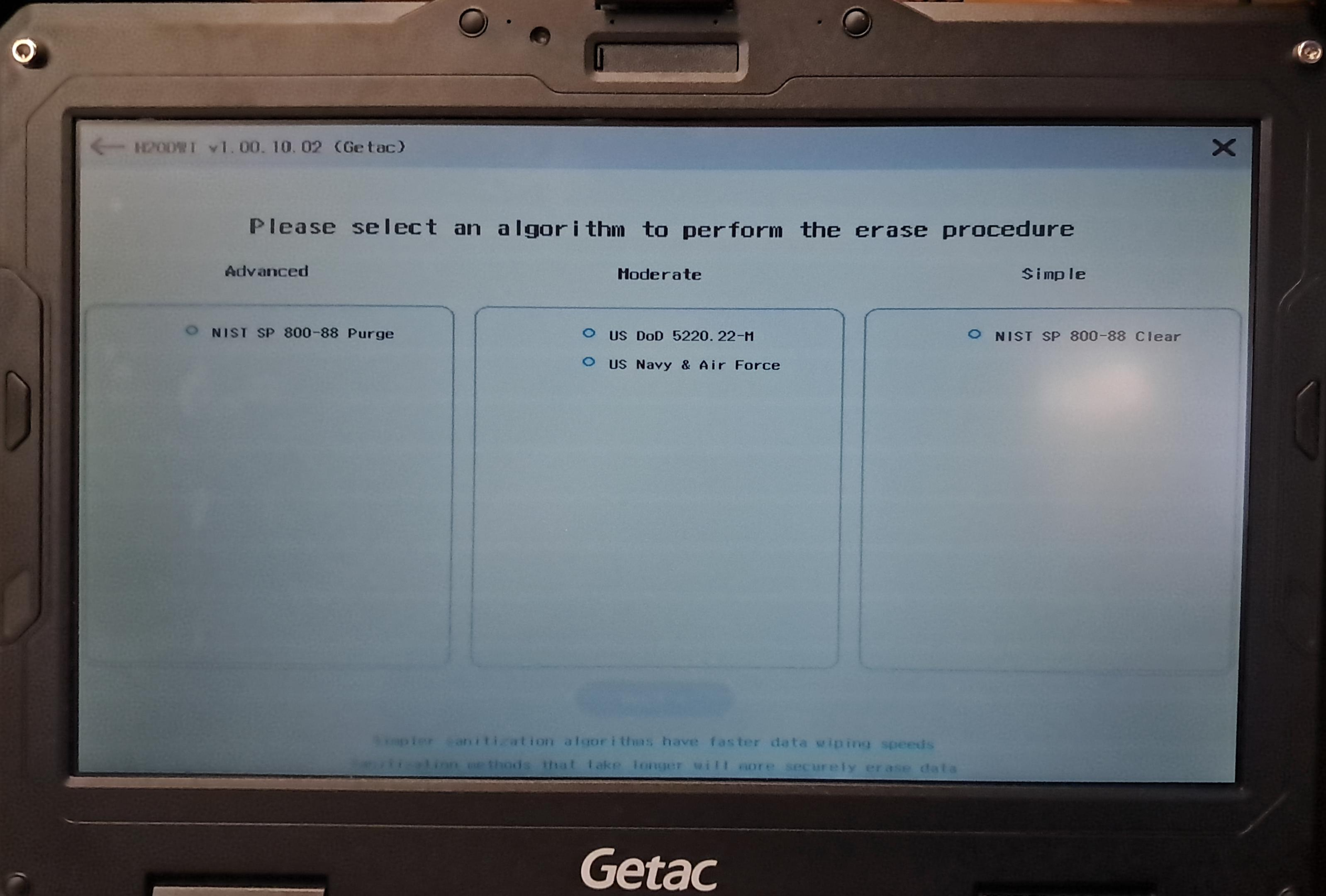
- Select erase algorithm to use:
- Confirm before erasing: