


Overview
This article describes the process of submitting video assets to Veritone Redact for redaction. It covers both single-segment and multi-segment video submissions, detailing the workflow from asset selection to the return of redacted files to the asset lister. The process involves confirming submission, working within the Veritone Redact application, and the automated return of finalized redacted assets.
Prerequisites
- An available video asset that is not expired.
Step-by-Step Instructions
Single-Segment Video Assets
- Open the asset lister page.
- Locate an available video asset (see this article for how to search for Assets).
- Open the action menu for the asset.
- Select the "Submit to Veritone Redact" action.
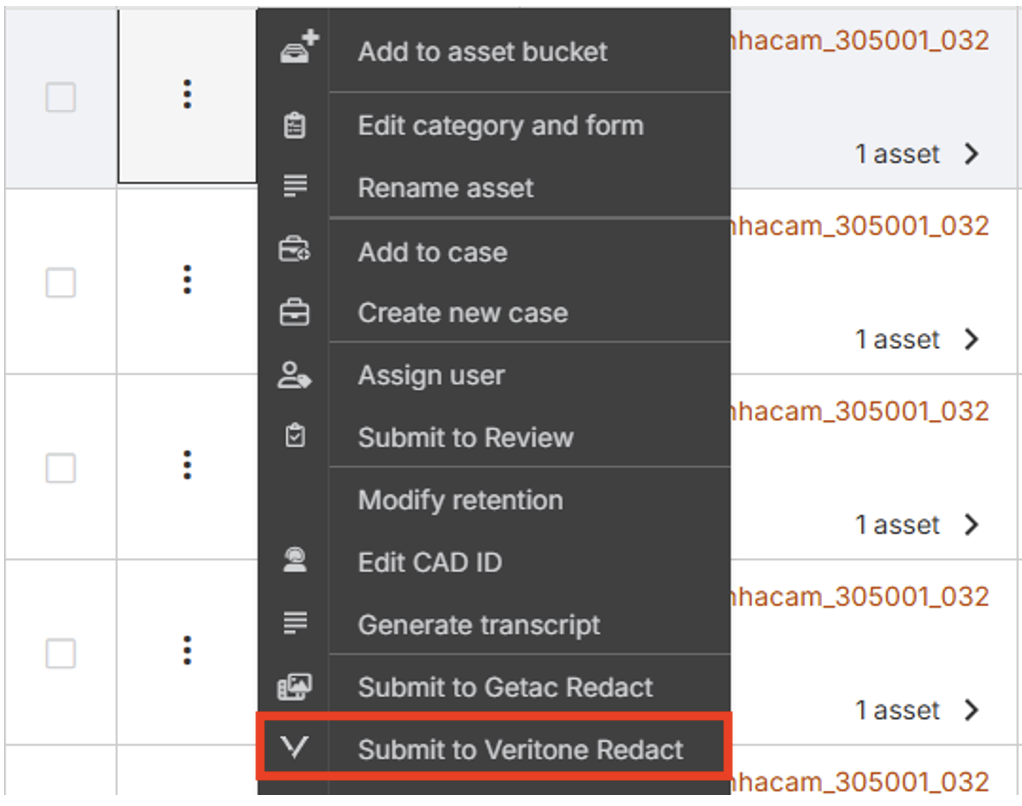
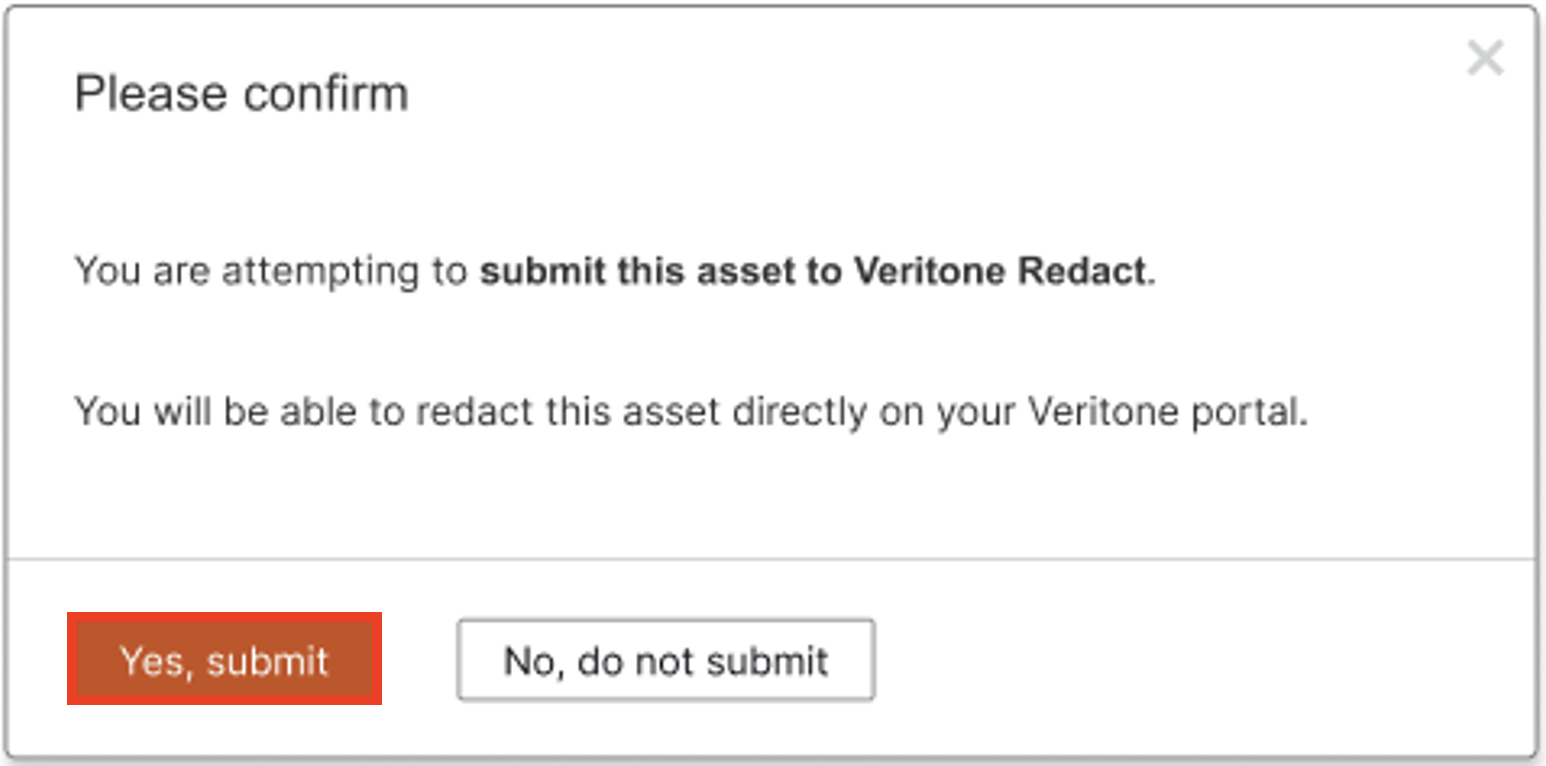
- A confirmation modal will appear.
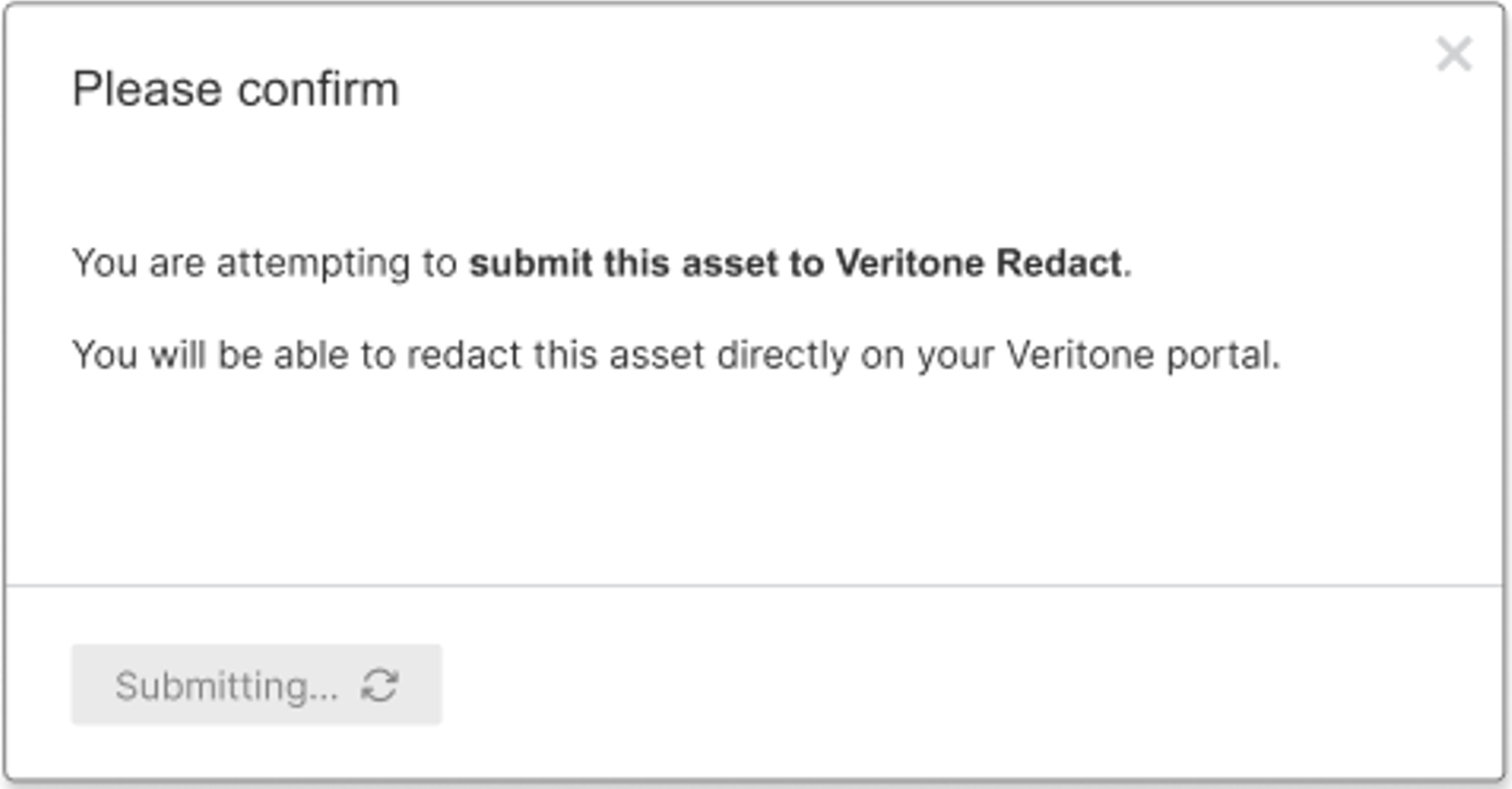
- Select "Yes, submit" to proceed with the submission.
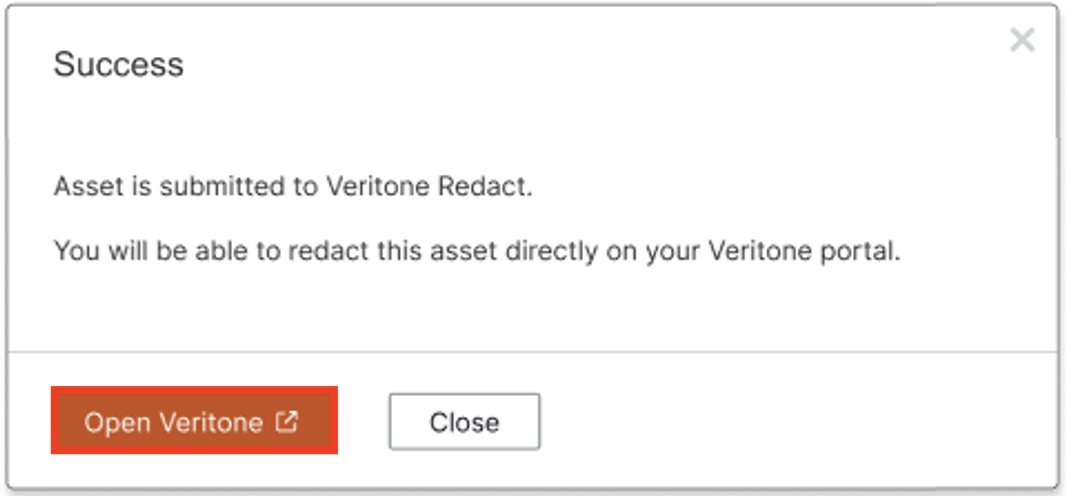
- Once the submission has successfully been confirmed by the Veritone environment, an “Open Veritone” button will appear on the modal to allow the user to launch the Veritone system (to the URL specified on the Configuration page)
Working Within Veritone Redact
- Within the Veritone Redact application, the submitted asset will be placed in a folder with the same name as the Tenant Name.
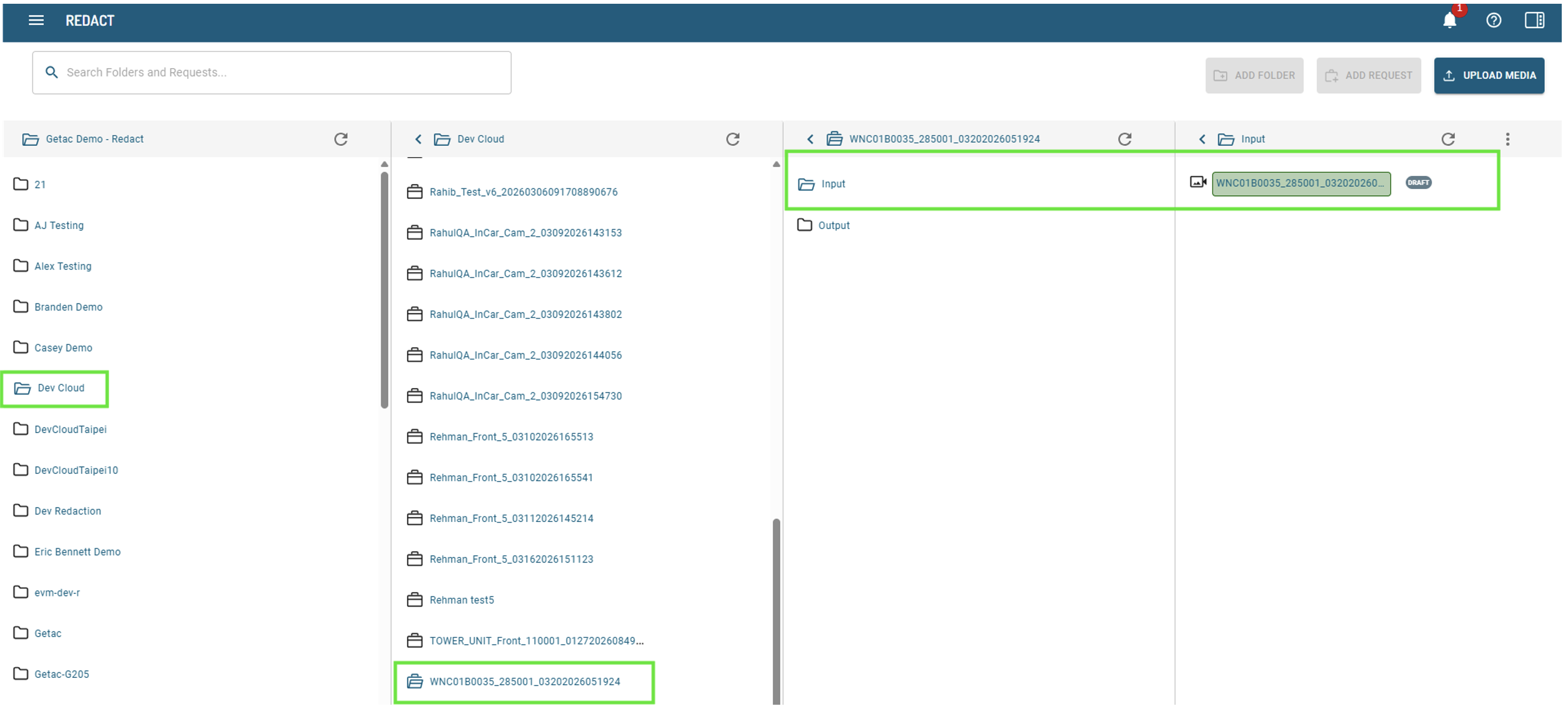
- During analysis within Veritone, the file name will display with a blue background.
- After analysis is complete, select the
 button on the Veritone editing tool will initiate the process of finalizing the redaction.
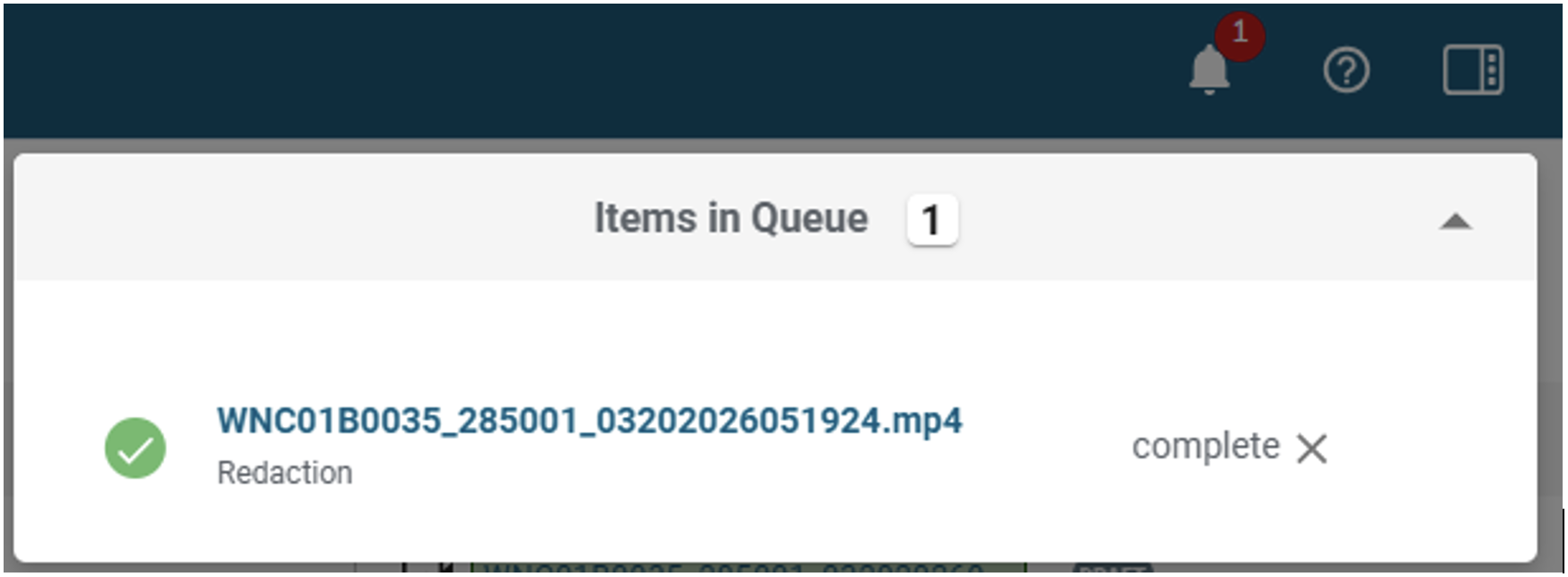
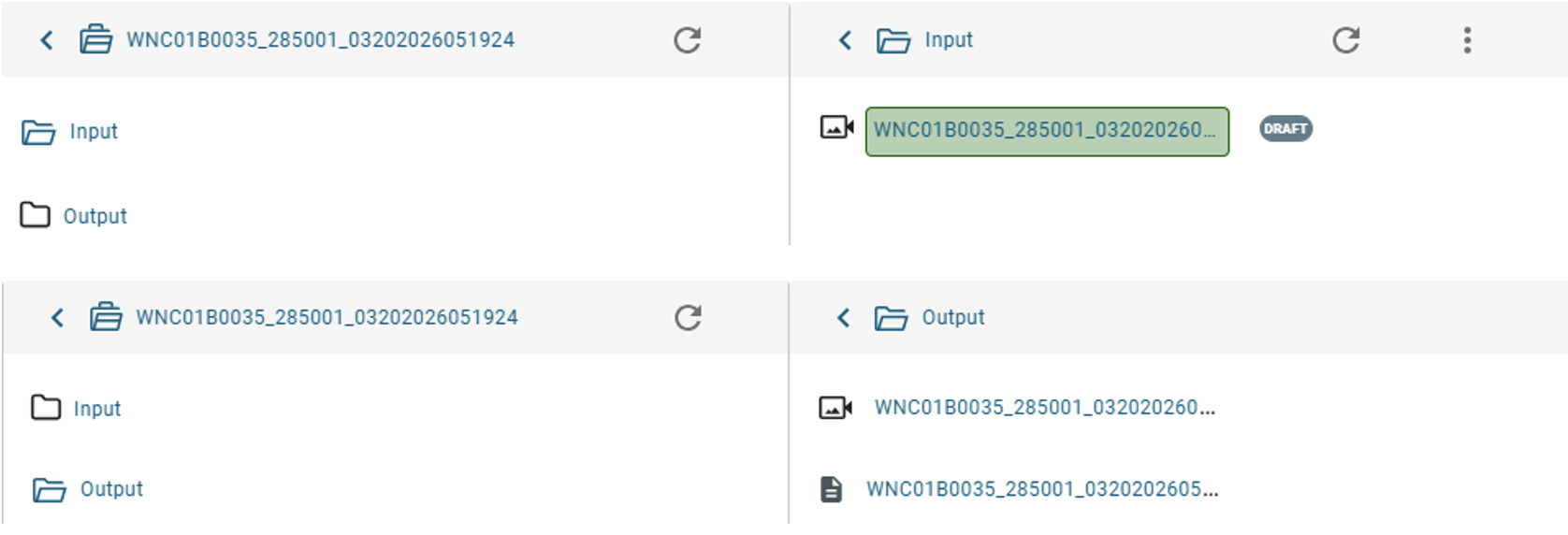
- The Veritone notification center will confirm when the redaction process has been completed, and the file name will appear with a green background on the Input folder view while also showing the redacted assets in the Output folder (shown below).
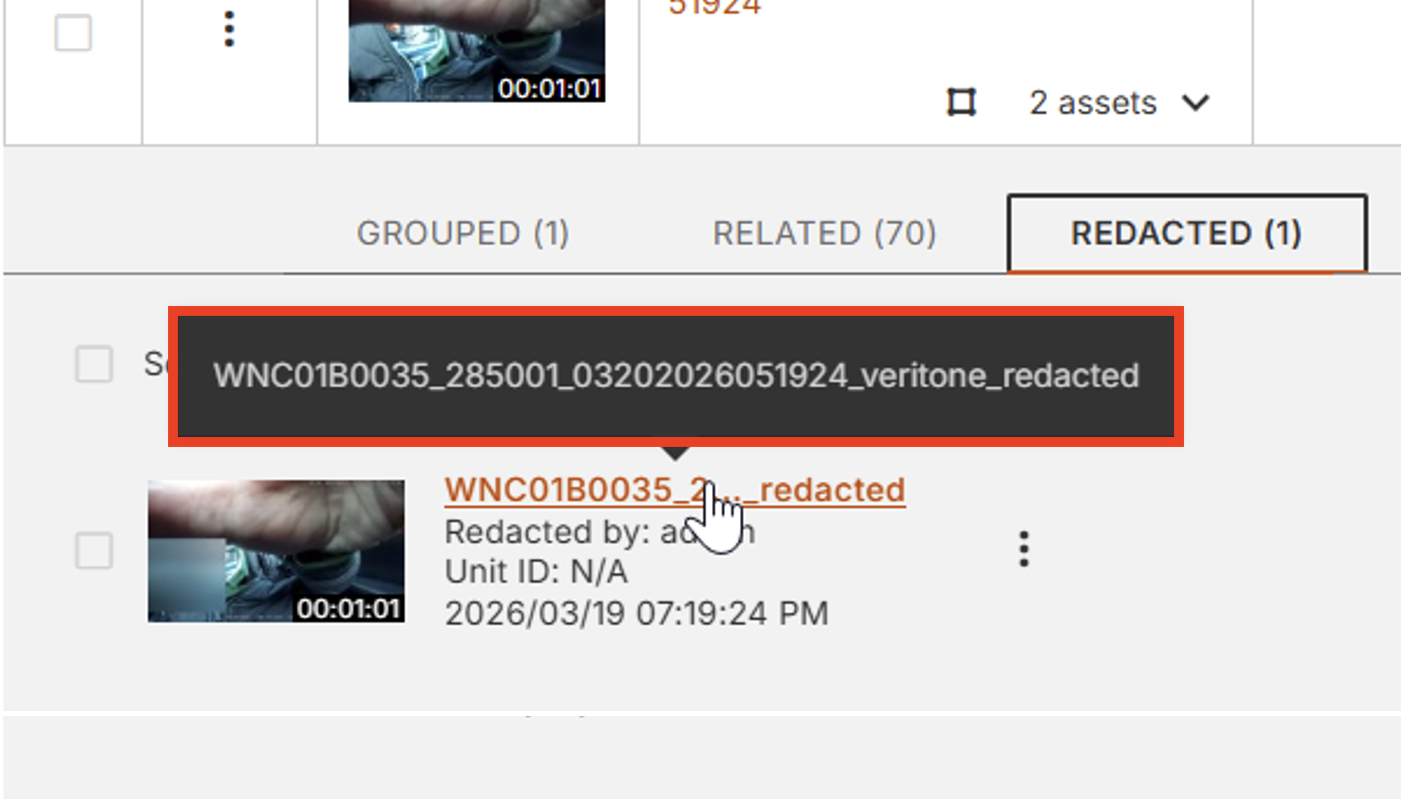
- A job scheduler will run every 10 minutes and detect if any new redacted assets have been finalized and are ready to be moved back to Getac Evidence. This service marks the asset as Completed in Reports and starts downloading it. Once the download is complete, the redacted asset is uploaded to the blob. If it is successfully uploaded to the blob, it will appear in the asset lister as a child asset.
Expected Outcome
After successful submission, an "Open Veritone" button appears, allowing access to the Veritone system. Upon completion of redaction, the file name in Veritone will show a green background on the Input folder view, and the redacted assets will also be visible in the Output folder. The redacted asset will eventually appear in the asset lister as a child asset.
Notes/Important Information
- No support for multi-segment videos
- No support for assignment of new Owner upon redaction submission (and creation of new Evidence Group for Redacted file)
- No support for assignment of new Category upon redaction submission
- Segmented assets are treated as individual projects in Veritone. When re-imported into EVM, they will appear in the "REDACTED" tab of an evidence group as individual files, not as a single file like the original.
- The file name displayed in Veritone represents the Asset ID and not the File Asset Name a user might have chosen for that particular asset.
- When an asset is submitted to Veritone Redact, it will be placed in a folder with the same name as the Tenant Name.
- A job scheduler runs every 10 minutes to detect if any new redacted assets have been finalized and are ready to be moved back to Getac Evidence. This service marks the asset as Completed in Reports, starts downloading it, and uploads it to the blob.
- Redacted files will receive a "veritoneredacted" suffix.

